
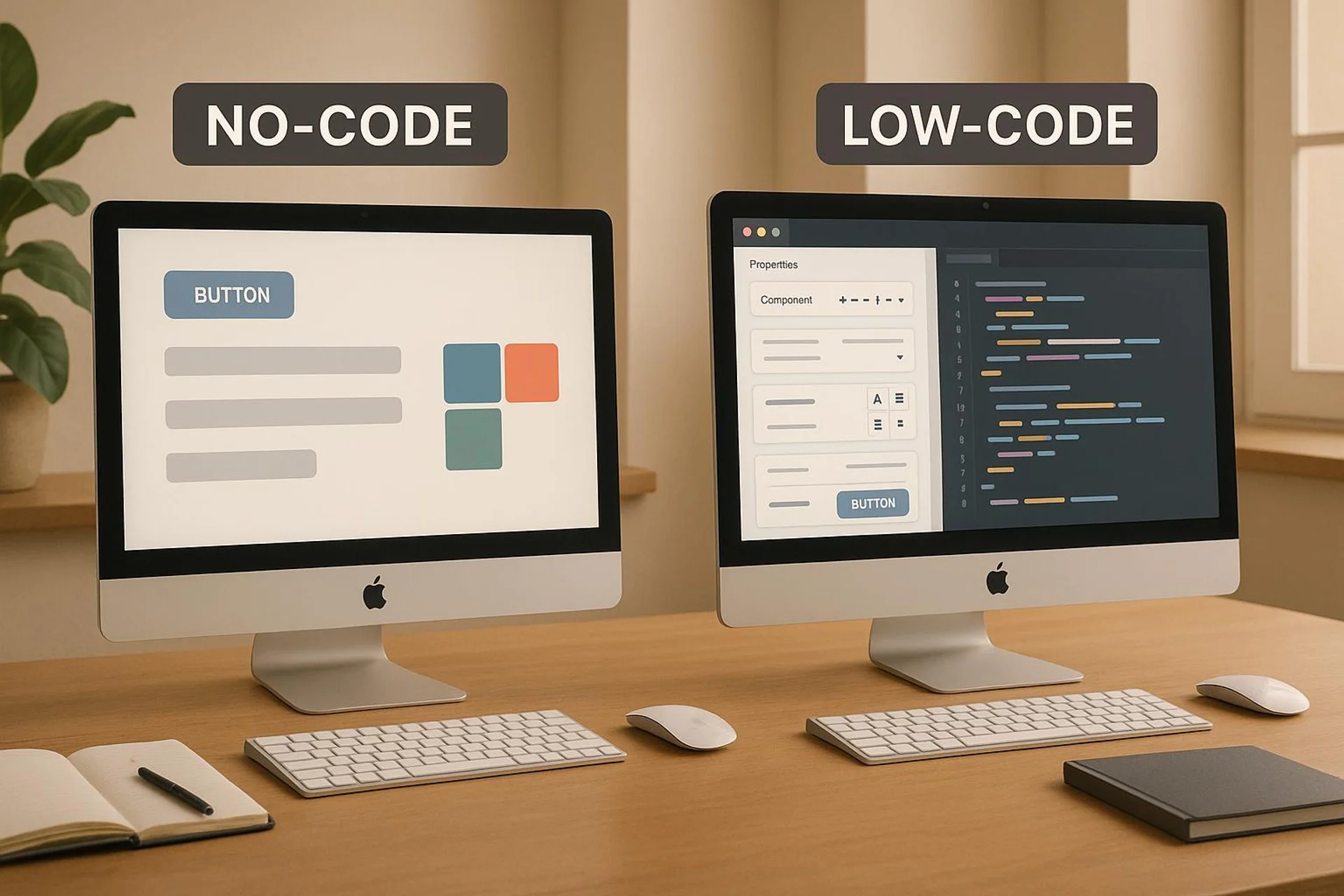

No-Code vs Low-Code
How do low-code frontends actually talk to your Rails API?
Every low-code and no-code platform eventually needs data from somewhere. In most production setups, that “somewhere” is a backend API, and for teams already running Ruby on Rails, the question is not whether to expose an API but how to design one that survives the transition from prototype to production.
Low-code platforms like Retool and Appsmith connect directly to your database or call REST endpoints. No-code tools like Bubble and Glide rely on their own connector systems, which wrap your API in another abstraction layer. That extra layer matters. It adds latency, limits query flexibility, and makes debugging harder when something breaks at 2 AM.
The architecture decision you make at this stage determines whether your low-code frontend stays a useful tool or becomes a bottleneck you spend months replacing.
REST or GraphQL: which pattern fits low-code frontends better?
Both REST and GraphQL work as the interface between a Rails backend and a low-code frontend. But each has trade-offs that show up fast when the frontend is not code you control.
REST is the simpler option. Most low-code platforms support REST natively. You define endpoints like /api/v1/orders and /api/v1/customers/:id, return JSON, and the platform consumes it. Caching is straightforward with HTTP headers. Rate limiting is easy to enforce per endpoint. The downside: low-code tools tend to make many small requests. A dashboard showing order summaries, customer details, and shipping status might hit your API six or seven times per page load.
GraphQL solves the multi-request problem. A single query can pull orders, customers, and shipping data in one round trip. For low-code dashboards that aggregate data from multiple models, this cuts latency significantly. But GraphQL introduces complexity: you need to handle query depth limiting (to prevent accidental or malicious deep nesting), implement DataLoader to avoid N+1 queries, and most no-code platforms have limited or no native GraphQL support.
Practical recommendation: Start with REST using Rails API mode. Use jbuilder or blueprinter for serialization. Add a GraphQL layer (via the graphql-ruby gem) only when your low-code frontend consistently needs data from 3+ models per view.
# config/routes.rb - Versioned API for low-code consumers
namespace :api do
  namespace :v1 do
    resources :orders, only: [:index, :show]
    resources :customers, only: [:index, :show]
    # Composite endpoint for dashboards
    get 'dashboard/summary', to: 'dashboards#summary'
  end
end
The composite endpoint pattern is worth highlighting. Instead of forcing your low-code frontend to make multiple calls, create purpose-built endpoints that return pre-assembled data. A single /api/v1/dashboard/summary call returning orders, revenue, and top customers is faster and more reliable than three separate requests filtered and joined on the frontend.
When does your low-code frontend outgrow your Rails API?
There is a predictable pattern. It starts with a Retool dashboard running 5 queries against a PostgreSQL database. Performance is fine. Then the team adds more panels, more filters, more users. Six months later, the same dashboard runs 30+ queries, some with joins across 4 tables, and page load takes 8 seconds.
The bottleneck is rarely the low-code platform itself. It is almost always one of three things:
1. Connection exhaustion. Rails defaults to a connection pool of 5 per process. A Puma server with 3 workers and 5 threads allows 15 concurrent database connections. Your low-code tool, hitting composite endpoints that each open a connection, can exhaust this pool during peak usage. Response times spike. Requests queue. Users see timeouts.
2. Unoptimized queries from visual builders. Low-code platforms generate API calls, not SQL. But the SQL your Rails API runs behind those calls matters. A Retool table component with server-side pagination, sorting, and filtering generates a SELECT with ORDER BY, LIMIT, OFFSET, and WHERE clauses. Without proper indexes, this degrades fast on tables above 100K rows.
3. Missing caching. Low-code frontends re-fetch data on every interaction. There is no built-in stale-while-revalidate. If your API does not cache aggressively, every dropdown open, every tab switch, every filter change hits your database.
How do you scale a Rails API that serves low-code clients?
Scaling follows a clear progression. Each step buys you roughly an order of magnitude more capacity.
Step 1: Connection pooling with PgBouncer
PgBouncer sits between your Rails application and PostgreSQL, multiplexing many application connections over fewer database connections. This is the single highest-impact change for APIs serving low-code frontends.
Without PgBouncer, 10 Puma workers with 5 threads each need 50 database connections. With PgBouncer in transaction mode, those 50 application-level connections share 20 actual database connections. PostgreSQL handles 20 connections far more efficiently than 50.
Configuration that works well for low-code API workloads:
; pgbouncer.ini
[databases]
myapp = host=127.0.0.1 port=5432 dbname=myapp_production

[pgbouncer]
pool_mode = transaction
default_pool_size = 20
max_client_conn = 200
reserve_pool_size = 5
reserve_pool_timeout = 3
One caveat: transaction pooling breaks prepared statements in older Rails versions. Rails 7.1+ handles this gracefully with prepared_statements: false in database.yml when using PgBouncer.
Step 2: HTTP caching and conditional requests
Add ETag and Last-Modified headers to your API responses. Low-code platforms that support conditional requests (Retool does, Bubble does not) will send If-None-Match headers, and your API can return 304 Not Modified without re-querying the database.
For data that changes infrequently (product catalogs, user directories), add Cache-Control headers:
# app/controllers/api/v1/products_controller.rb
def index
  @products = Product.active.includes(:category)

  if stale?(etag: @products, last_modified: @products.maximum(:updated_at))
    render json: ProductBlueprint.render(@products)
  end
end
Step 3: Background jobs for heavy lifting
When your low-code dashboard needs data that requires expensive computation (monthly revenue aggregations, user cohort analysis), do not compute it on request. Use Sidekiq to pre-compute results on a schedule and store them in a dedicated report_cache table or Redis.
# app/jobs/dashboard_summary_job.rb
class DashboardSummaryJob < ApplicationJob
  queue_as :low_priority

  def perform
    summary = {
      monthly_revenue: Order.this_month.sum(:total),
      active_users: User.active.count,
      top_products: Product.top_selling(10).as_json
    }
    Rails.cache.write('dashboard:summary', summary, expires_in: 15.minutes)
  end
end
Your API endpoint then reads from cache instead of computing live. Response time drops from 2 seconds to 15 milliseconds.
Step 4: Horizontal scaling
When a single server is no longer enough, scale horizontally:
- Run multiple Puma instances behind a load balancer (nginx or a cloud LB)
- Ensure session state lives in Redis, not in memory
- Use PgBouncer on each application server, or run a centralized PgBouncer instance
- Move Sidekiq workers to dedicated machines so background jobs do not compete with API requests for CPU
This architecture comfortably handles 1,000+ concurrent API consumers, which covers even aggressive low-code usage patterns.
Why we chose this approach at USEO
We have seen the full lifecycle of low-code-to-Rails migration across multiple client projects. One case stands out.
In our Triptrade project, we built the MVP with Bubble.io connected to a Rails API. The initial setup worked well: Bubble handled the user-facing interface, Rails managed business logic and data persistence. Development time for the MVP was roughly 40% shorter than a full-stack Rails build would have been.
The problems started at scale. When API response times exceeded 200ms at 500 concurrent users, we investigated. The Bubble frontend was making 11 API calls per page load. Each call went through Bubble’s connector layer, which added 40-80ms of overhead per request. Combined with our own database query times, pages took 3-4 seconds to render.
We migrated the critical paths to native Rails views with Hotwire. The order management flow, which was the most latency-sensitive, went from 11 API calls to a single Turbo Frame request. Response times dropped to under 50ms. We kept Bubble for the admin-facing parts of the app where latency mattered less.
The lesson: low-code as the frontend for your API is a viable MVP strategy, but you need to design the API with migration in mind from day one. Version your endpoints. Keep business logic in Rails, never in the low-code layer. Document which Bubble workflows map to which API calls so the migration path is clear when the time comes.
What does a migration from low-code MVP to full Rails look like?
The migration is never a rewrite. It is a gradual replacement of the low-code frontend while keeping the Rails API stable. Here is the pattern that works:
Phase 1: Identify the critical paths. Use request logs to find which API endpoints get the most traffic and have the highest latency. These are your migration candidates.
Phase 2: Build Rails views for critical paths. Use Hotwire (Turbo Frames + Turbo Streams) to replace the low-code UI for high-traffic flows. The API stays the same; you are just adding a native consumer alongside the low-code one.
Phase 3: Run both in parallel. Route power users or high-traffic segments to the Rails frontend. Keep the low-code frontend for less critical flows. This de-risks the migration because you can roll back instantly.
Phase 4: Retire the low-code layer. Once all critical paths run on Rails, evaluate whether the remaining low-code screens justify the platform subscription. Usually they do not.
Timeline: For a medium-complexity app (10-15 screens, 5-8 API resources), expect 8-12 weeks for phases 1-3. Phase 4 is a business decision, not a technical one.
Can you use both approaches long-term without creating a maintenance nightmare?
Yes, but only with clear boundaries. The sustainable pattern is:
- Rails handles everything customer-facing: the web app, public API, webhooks, background processing
- Low-code (Retool, Appsmith) handles internal tools: admin panels, support dashboards, reporting interfaces
This works because internal tools have different requirements. Latency of 500ms is acceptable. The user base is small (5-50 people). The UI changes frequently as internal processes evolve. Low-code excels here.
The key constraint: the low-code tool should only read from your database or call your API. Never give it direct write access to production tables. Route all writes through your Rails API so validations, callbacks, and audit logging stay consistent.
# Internal API for admin tools - read-heavy, lower security boundary
namespace :internal_api do
  resources :support_tickets, only: [:index, :show, :update]
  resources :user_lookups, only: [:index, :show]
  # All writes go through the same validations as the main app
  resources :refunds, only: [:create]
end
Quick comparison: which approach for which use case?
| Use case | Best approach | Why |
|---|---|---|
| Customer-facing web app | Full Rails + Hotwire | Performance, SEO, full control |
| Internal admin dashboard | Retool or Appsmith | Fast to build, acceptable latency |
| MVP for investor demo | Bubble + Rails API | Speed to market, throwaway frontend |
| Data pipeline monitoring | Retool + direct DB read | Real-time queries, small user base |
| E-commerce storefront | Full Rails | SEO, performance, payment integrations |
| Quick prototype (under 4 weeks) | No-code (Glide, Softr) | Validate idea before investing in code |
FAQs
What happens to API performance when your low-code tool scales?
Most low-code platforms increase API call volume linearly with user count. Bubble makes 5-15 API calls per page load per user. At 100 concurrent users, that is 500-1,500 requests per minute hitting your Rails API. Without connection pooling (PgBouncer), HTTP caching, and composite endpoints, your database will become the bottleneck. Plan for 10x your current traffic when designing the API layer.
Should you use REST or GraphQL for connecting low-code tools to Rails?
REST for most cases. Low-code platforms have mature REST support, and the simplicity of endpoint-based caching and rate limiting outweighs GraphQL’s flexibility. Use GraphQL only when your low-code frontend consistently needs to pull data from 3+ models in a single view and you want to avoid creating dozens of composite REST endpoints.
How do you prevent low-code tools from crashing your production database?
Three layers of protection: (1) PgBouncer to limit actual database connections, (2) read replicas for low-code tools that only need read access, (3) API rate limiting per client. In Rails, use rack-throttle or rack-attack to enforce per-IP or per-token rate limits. Set the low-code tool’s API token to a lower rate limit than your production frontend.